On this page
How to Save Sora2 AI Videos Without Watermarks
This feature is deprecated. OpenAI has discontinued Sora 2, so Sora share links can no longer be extracted. This page is kept for reference only. For bulk downloads from other platforms, see Bulk Video Downloader.
Sora2 is a popular AI video generation tool, but shared videos typically come with a platform watermark. This guide shows you how to remove Sora2 video watermarks and save clean videos to your device using MeowLoad.
Copy the Share Link
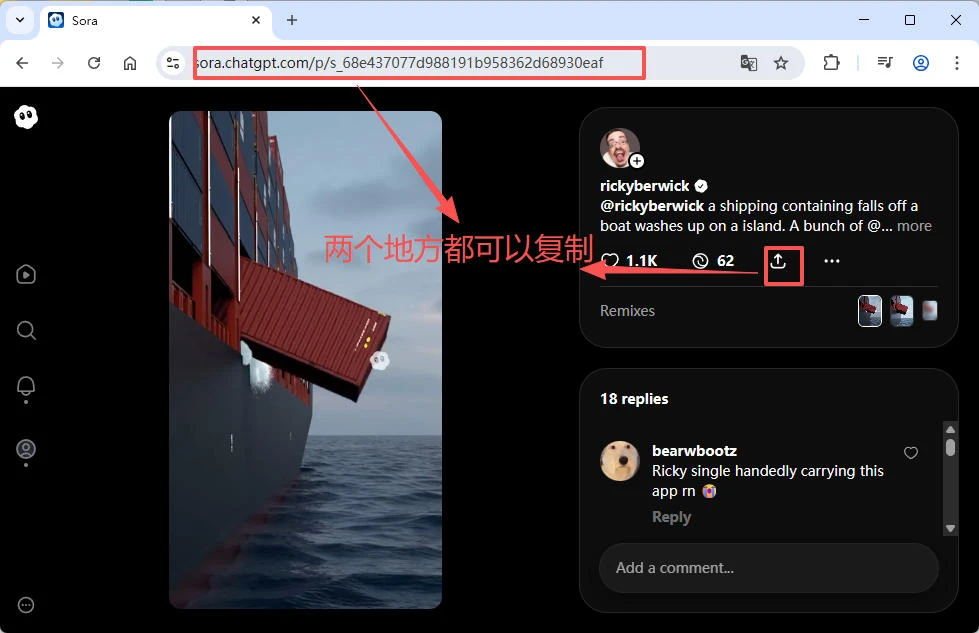
In the Sora2 app or website, find the video you want to download, tap share, and copy the video link.
Download a Single Video Without Watermark
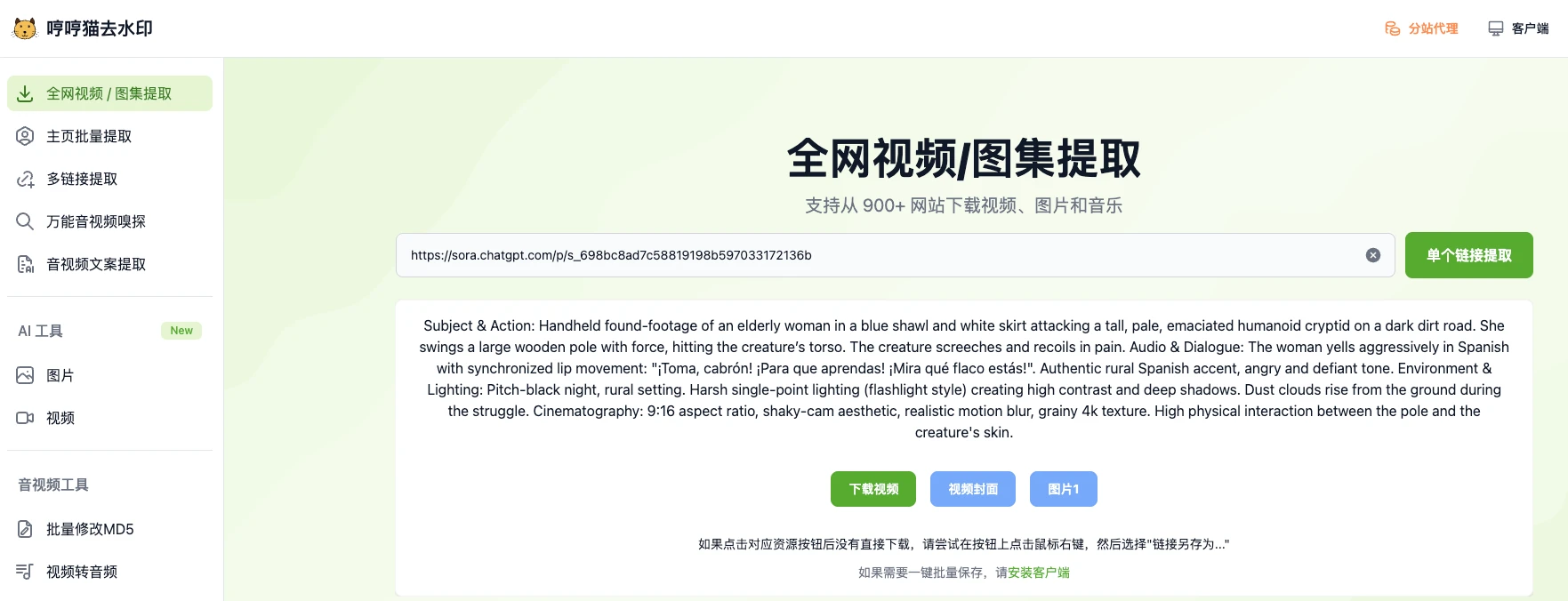
Visit the MeowLoad watermark remover, paste the Sora2 video share link, and click the Extract button to get the watermark-free video. Then click Download to save it locally.
Batch Download Without Watermarks
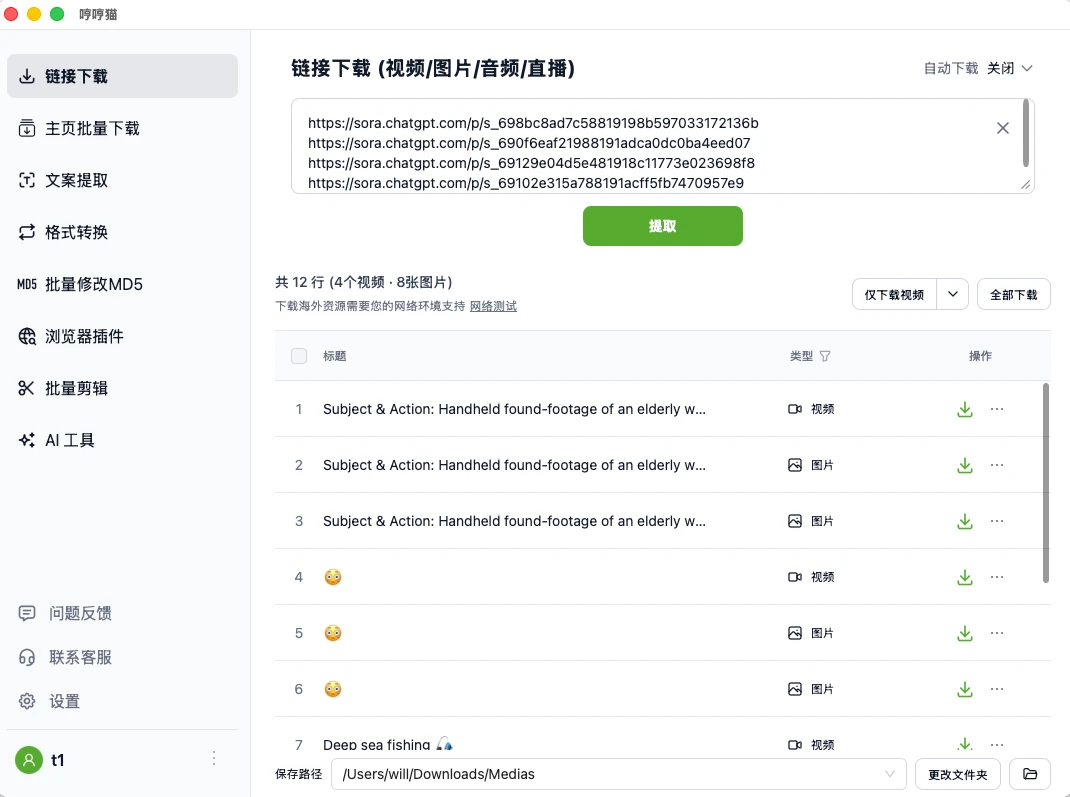
For bulk downloads, use the MeowLoad desktop app. Paste multiple links at once and batch download watermark-free videos and images with one click.