On this page
How to Batch Save Videos, Images, and Captions from rednote Profiles?
Found stunning wallpapers on rednote but they come with watermarks? Want to save all the videos from your favorite creator's profile but tired of downloading them one by one — or worse, screen recording?
Here's a much better way: use the MeowLoad browser extension to batch download all videos, HD images, and captions from any creator's profile — completely watermark-free!
Prerequisites
Open the rednote web version in your desktop browser (Chrome / Edge), and use the MeowLoad extension to download with one click. If you haven't installed it yet, follow the installation guide first.
Steps
Step 1: Open the Creator's Profile
Navigate to the profile page of the creator whose content you want to save on the rednote web version.
Step 2: Let the Extension Auto-Detect Content
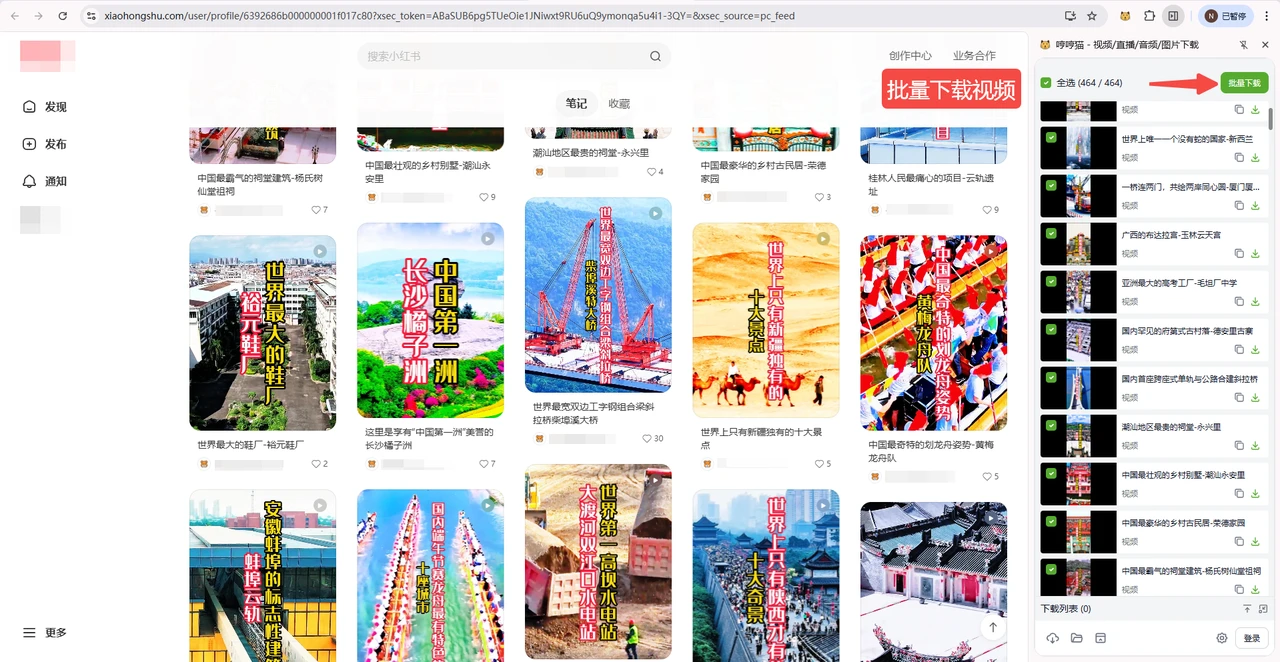
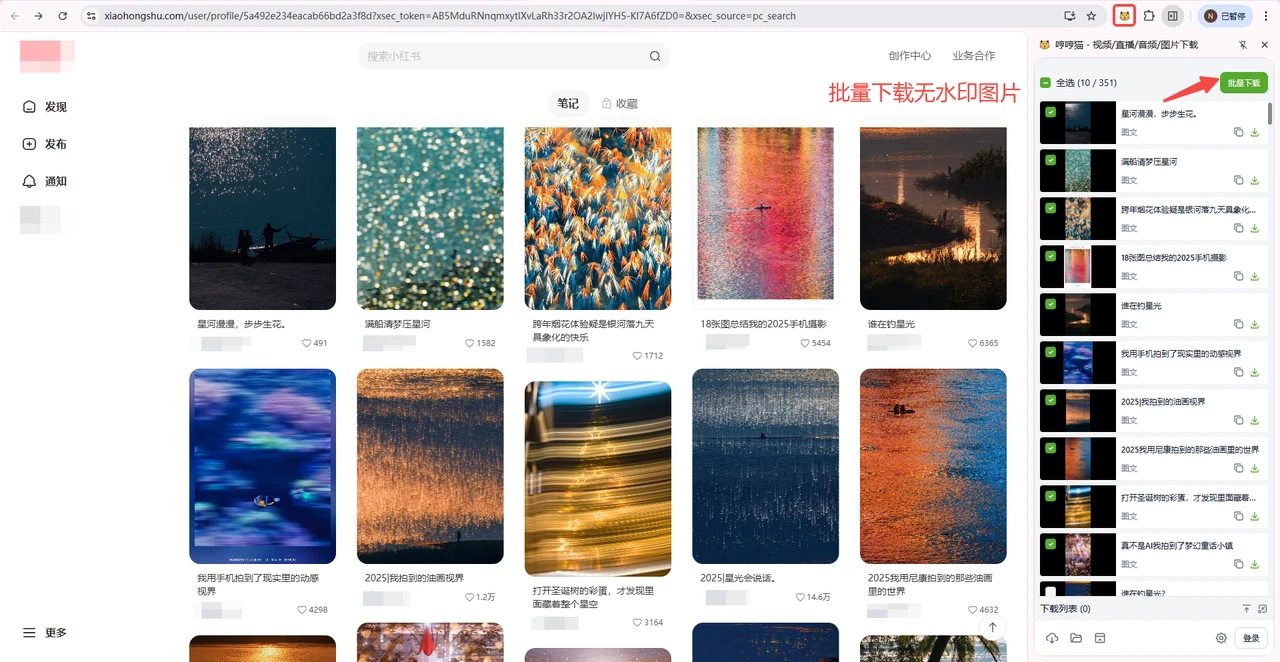
Open the MeowLoad extension panel. The extension will automatically detect all videos and image posts loaded on the current page.
Step 3: Scroll Down to Load More
To save all of the creator's posts, keep scrolling down until you reach the bottom of the page. As you scroll, you'll notice the number of detected resources in the extension panel keeps increasing. Once you've reached the bottom, the extension will have detected all of the creator's content.
Step 4: Select All and Batch Download
Click Select All in the extension panel, then click Batch Download. All videos and images are saved as watermark-free, high-definition original files.
Beyond Creator Profiles
The MeowLoad extension doesn't just work on creator profiles — you can also use it to batch save all post content (videos, images, and captions) from the rednote homepage feed and search results pages.